
Turn PDFs, Word, Excel, and slides into clean AI-ready text for free
Use Microsoft's free open-source MarkItDown tool and simple AI prompts to convert complex documents into clean Markdown locally on your PC.

Build with AI · GitHub ✓ Supervised repo · MIT
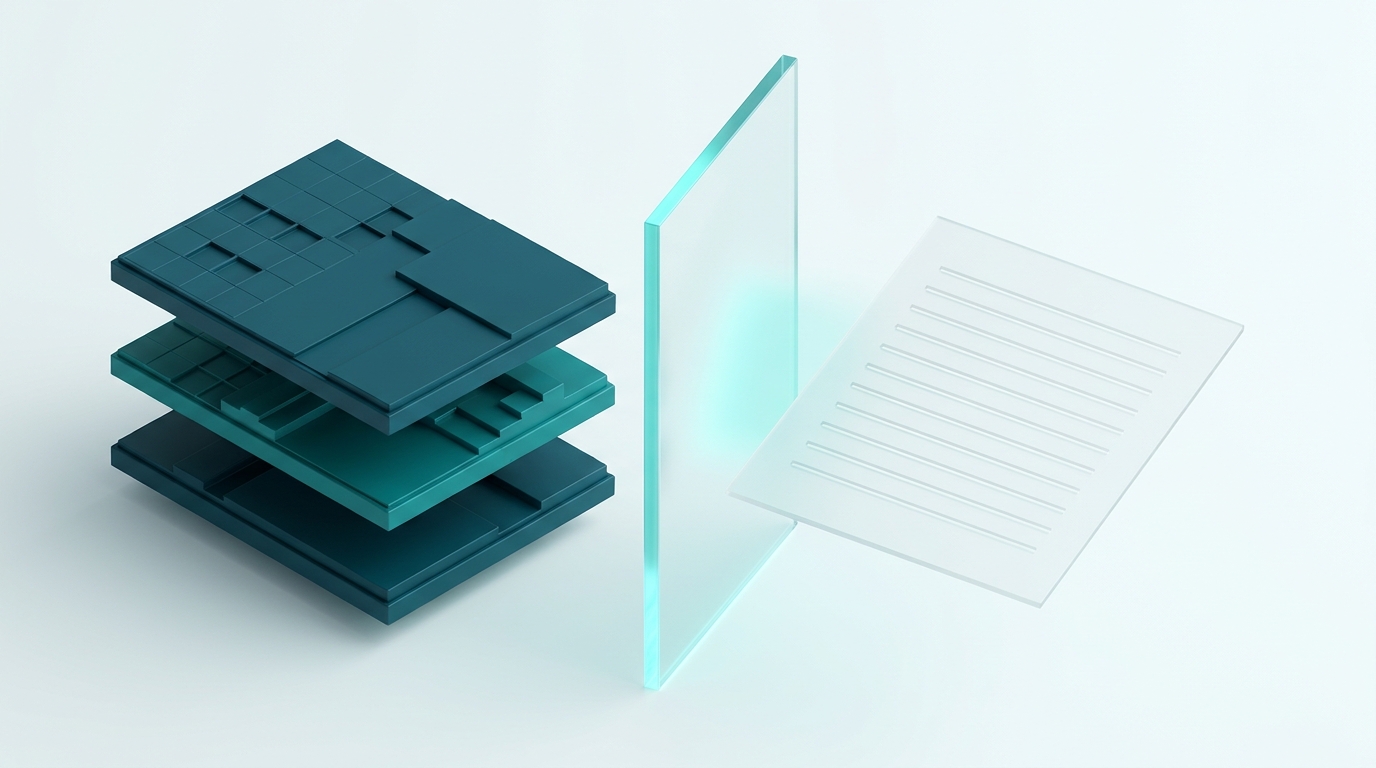
BEFORE
Uploading heavy PDFs, spreadsheets, or slide decks to free AI chats—only to hit file limits, lose table layouts, or get scrambled answers.
→
AFTER
Crisp, structured Markdown text with intact headings, lists, and tables—converted locally on your computer for $0 and ready for any AI chat.
How it works under the hood (in simple words)
We will use microsoft/markitdown (~87,000+ GitHub stars, MIT License), a lightweight Python utility maintained by Microsoft that automatically detects your file type—PDF, Word (.docx), Excel (.xlsx/.xls), PowerPoint (.pptx), HTML, ZIP archives, EPubs, and even YouTube transcript URLs—and converts it into structured Markdown right on your own computer.
Think of it like peeling a fruit before serving it: it strips away heavy formatting wrappers from PDFs and Office suites so only clean headings, bullet lists, and intact tables remain for AI models to read accurately—without uploading your private documents to unknown online converters.
Before you start
- A Windows 11, macOS, or Linux computer with Python 3.10 or newer (your AI will walk you through checking or installing it in 2 minutes).
- A free account on Gemini, ChatGPT, or Claude to follow the step-by-step prompts.
Step 1: Install MarkItDown cleanly with your AI guiding every click
Copy this prompt into your AI chat so it checks your Python version, creates an isolated folder environment, and installs MarkItDown without technical jargon.
I want to install the official open-source GitHub project "microsoft/markitdown" on my computer to convert PDF, Word, Excel, and PowerPoint files into clean Markdown locally for free.

My operating system is: [Windows 11 / macOS / Linux]
I do not know how to code.

Guide me step by step with short, plain-language instructions to:
1) Check if Python 3.10 or newer is installed (or install it cleanly if missing).
2) Create a safe virtual environment folder so nothing else on my PC gets cluttered.
3) Run pip install "markitdown[all]".
Wait for my confirmation after each step before giving me the next one.
Step 2: Convert a single file—or a whole folder—into clean Markdown
Once installed, paste this prompt so your AI gives you the exact one-line command to convert one document or batch-convert an entire folder.
MarkItDown is now installed on my [Windows 11 / macOS / Linux] computer.

Tell me the exact command to:
1) Convert a single file into a clean .md document using: markitdown "your-file.pdf" -o "output.md"
2) Convert every PDF, Word (.docx), Excel (.xlsx), and PowerPoint (.pptx) file inside a folder I choose into separate .md files in one go.
Give me one simple step at a time and wait for me to confirm.
Step 3: Analyze the converted Markdown inside any free AI chat
Open the resulting .md file, copy its contents, and send it with this prompt to get crisp summaries and exact figures without hitting binary file limits.
Below is a document I converted to clean Markdown using MarkItDown. Based strictly on this text (without inventing any numbers or details), give me:
1) A clear 4-bullet executive summary.
2) Key figures, dates, or tables organized simply.
3) Any deadlines, risks, or action items mentioned.

Document text:
[PASTE MARKDOWN CONTENT HERE]
Did a terminal or Python error appear?
Missing PATH entries or Python versions are the most common first-time hiccup. Copy the error text or take a screenshot and send it to your AI with this rescue prompt:
I am installing or running Microsoft's "microsoft/markitdown" on [Windows 11 / macOS / Linux] and got this exact error: [PASTE ERROR OR ATTACH SCREENSHOT]. Explain in one simple sentence why it happened and give me the exact command or click to fix it.